
Search
24 results

Part-1: Sub Menus Customer accounting Customers Customer Invoices Customer refunds About Odoo Accounting section is the area where the user carries out the day to day accounting operations for the
ODOO
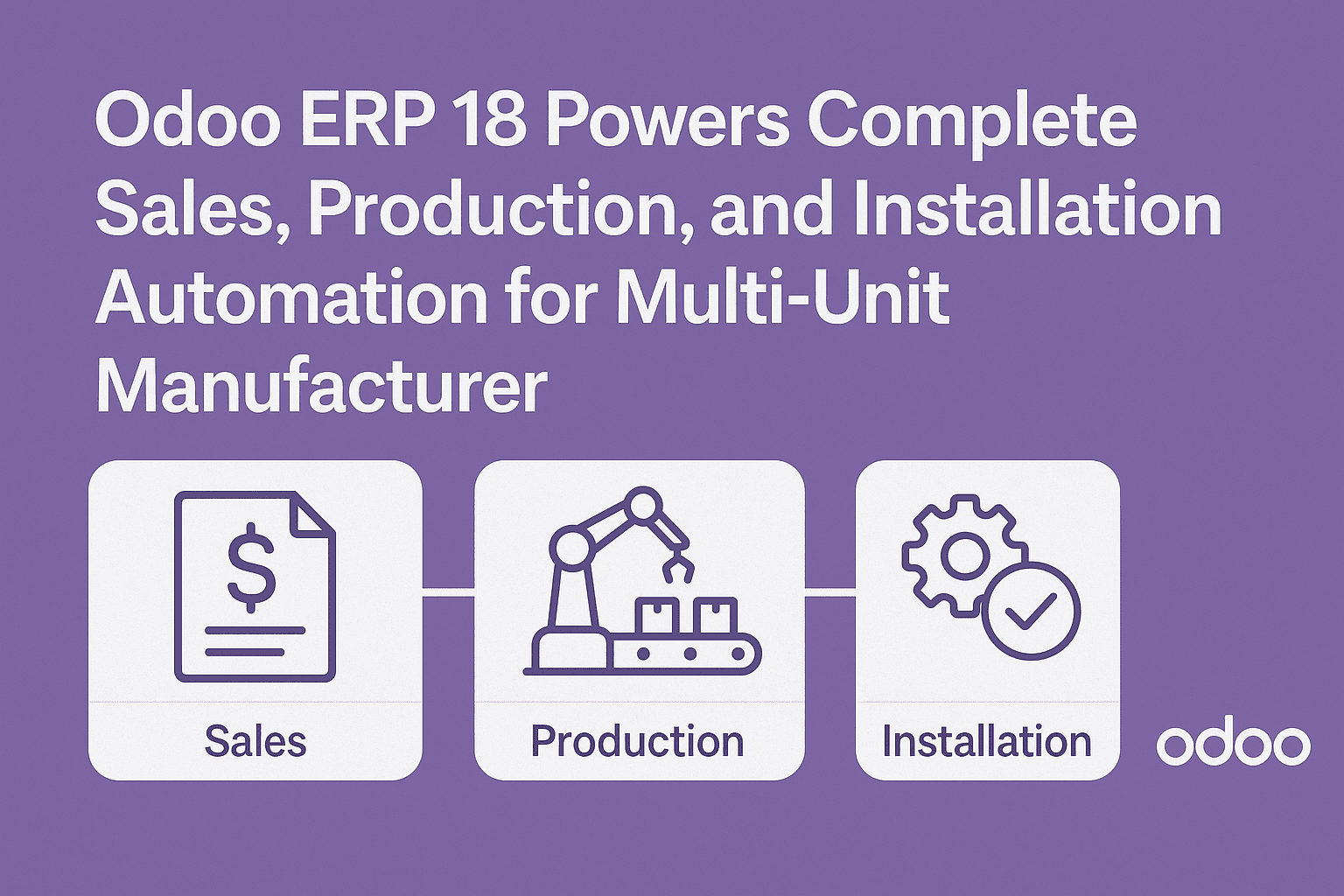
Project Objective To implement a fully integrated Sales → Manufacturing → Delivery → Installation workflow in Odoo 18 that automates:
Odoo

When there are lot of follow ups to be done for customer engagement or queries in Odoo follow up feature will be helpful that organizes all data pertaining to single
ODOO
Project Objective To modernize and optimize the Material Issue Request (MIR) process across multiple warehouses and maintenance teams — ensuring
Odoo
Project Objective To build a highly scalable, fault-tolerant Messaging Middleware platform fully integrated with Odoo, delivering seamless communication through: SMS
Odoo
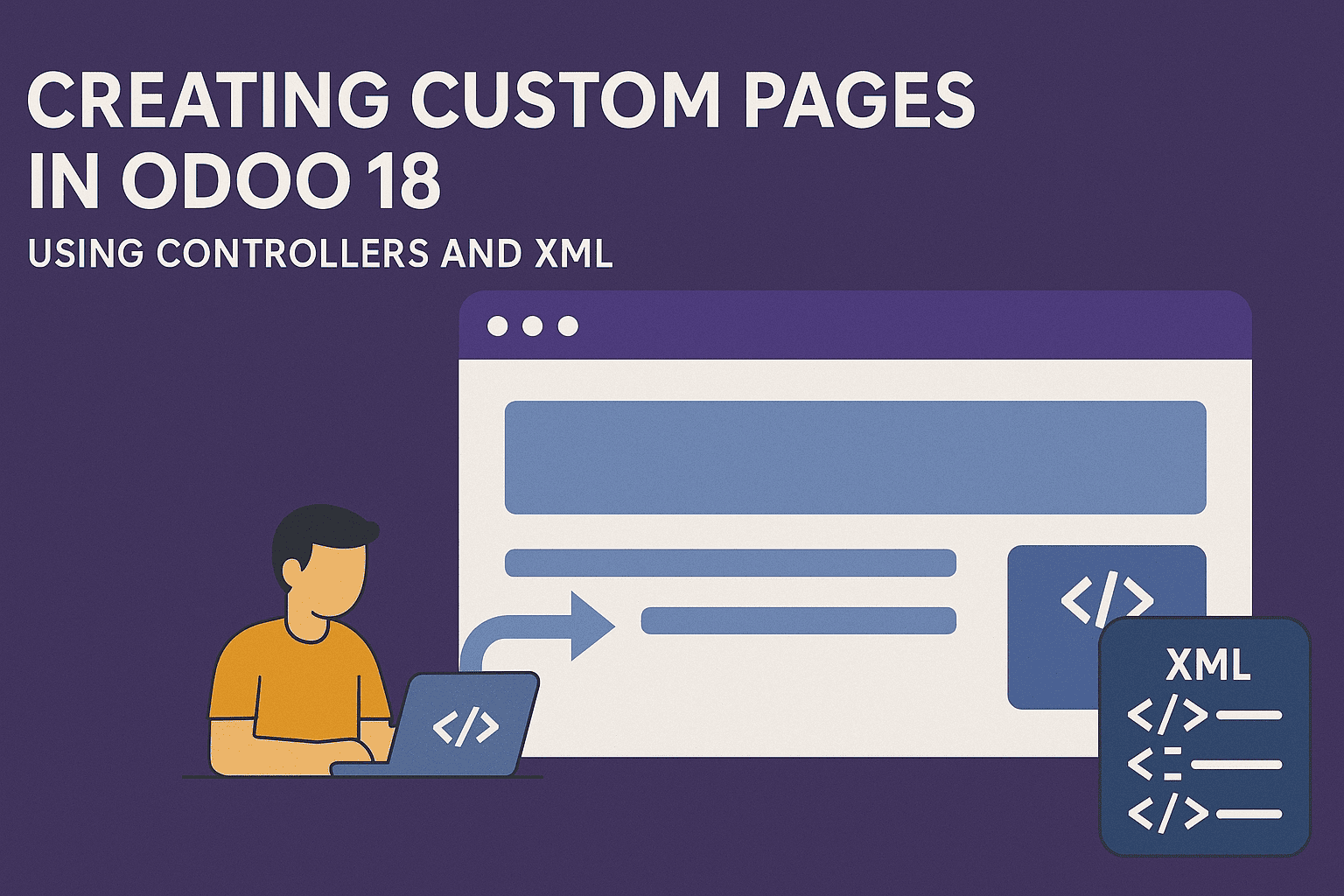
Introduction Odoo provides a powerful framework for creating custom web pages through a combination of controllers (Python) and templates (XML). This article demonstrates how to create a custom web form
ODOO

In Odoo we can see how many times sales has been done with a customer and what is the sales volume. This gives a better understanding of customers purchase pattern,
ODOO

Sales receipts Customer Payments Sales receipts The following screen-shot displays the list view for sales receipts : Create new sales receipt button. List of sales receipts with info such as
ODOO
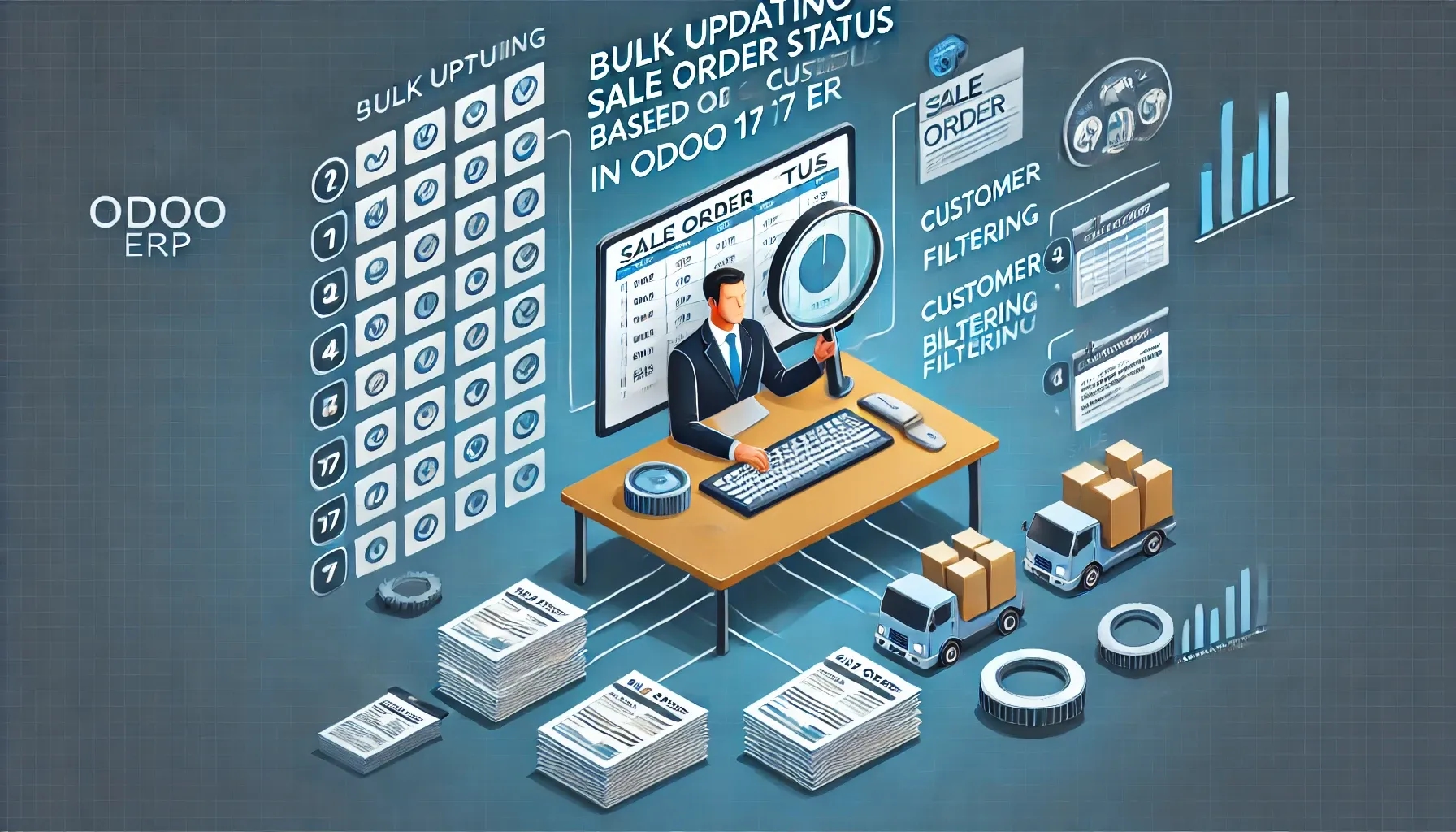
In Odoo, we can enhance sales order management by adding a menu that allows bulk updating of sale order states based on the selected customer. This feature simplifies order processing by fetching all orders/ quotations for a customer and enabling bulk confirmation of orders. This also can be used for any other action that you want to perform in bulk for Sales orders.
ODOO

In Odoo for customer intensive process variants are available that works as well for purchase process also. Navigate to products from Purchase Products Products. Now in Variants you can add
ODOO

In Odoo POS when your customer tender a higher denomination and you have to return change then you can use odoo's change refund functionality. You need to type the denomination
ODOO

In Odoo Sales process when your customer requires you to take care of delivery orders and bill it back. This feature will work you can configure shipping vendors and update
ODOO
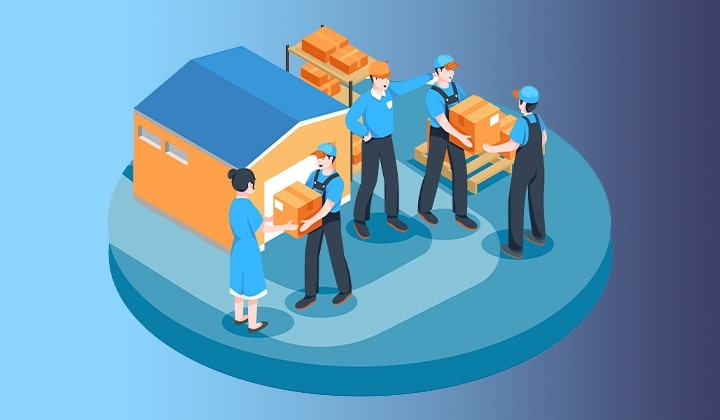
In Odoo Sales process when your customer confirms a Sales quote to a Sales order, automatically a delivery order gets created. This reduces manual work which needs to happen in background, Only action that is to be done is to do the physical shipment and invoice for the order.
ODOO

When an opportunity is won and quotation process are kicked off but you have to change opportunity to customer. Odoo has given the button: Mark won: that automatically changes the
ODOO

In your Odoo custom module, create a security folder and add a file named ir.model.access.csv. This file is required to manage access rights for the model.
ODOO

On top of Odoo leave management you can use Ktree's custom module to use different leave types in your organization. For this navigate to Odoo Human resource Configuration Leave type-
ODOO
About Customer creation from CRM module To create a customer Configuring POS Selecting POS from drop down Validating the POS start session Choosing customers in POS Select multiple quantities of
ODOO

In Odoo POS transaction by default generates an order receipt for customer reference. But at times when you get the request to provide invoice you don’t need to think it
ODOO

When company bills the customer for time sheets it can happen periodically based on week or month or Daily as well. It is common practice to do Monthly billing of
ODOO

When there are existing customer with request to repeat previous purchase or want to buy other set of product/services from you, You can alswas go ahead and create opportunity which
ODOO
When an opportunity is won and quotation process are kicked off. Odoo has given the button Convert to Quotation that automatically takes customer name and creates a draft quotation with
ODOO

Any business cannot cater to only selected range of customers, institutional buyers, retail buyers, everyone has a different business objective. To make more revenue from your customer base, it is
Odoo Developer

To allocate customer properly to sales person/team and assign marketing efforts, revenue sizes and conversion percentage is updated against each opportunities. To use this odoo features please navigate to Sales
ODOO

In Odoo sales process at times when there are more than one contact persons from the customer company then you will need to maintain different contacts for each customer. With
ODOO